Departments
This page is where you manage the list of departments available when provisioning users in Entra ID. You can reference these departments in workflow conditions and user assignments.
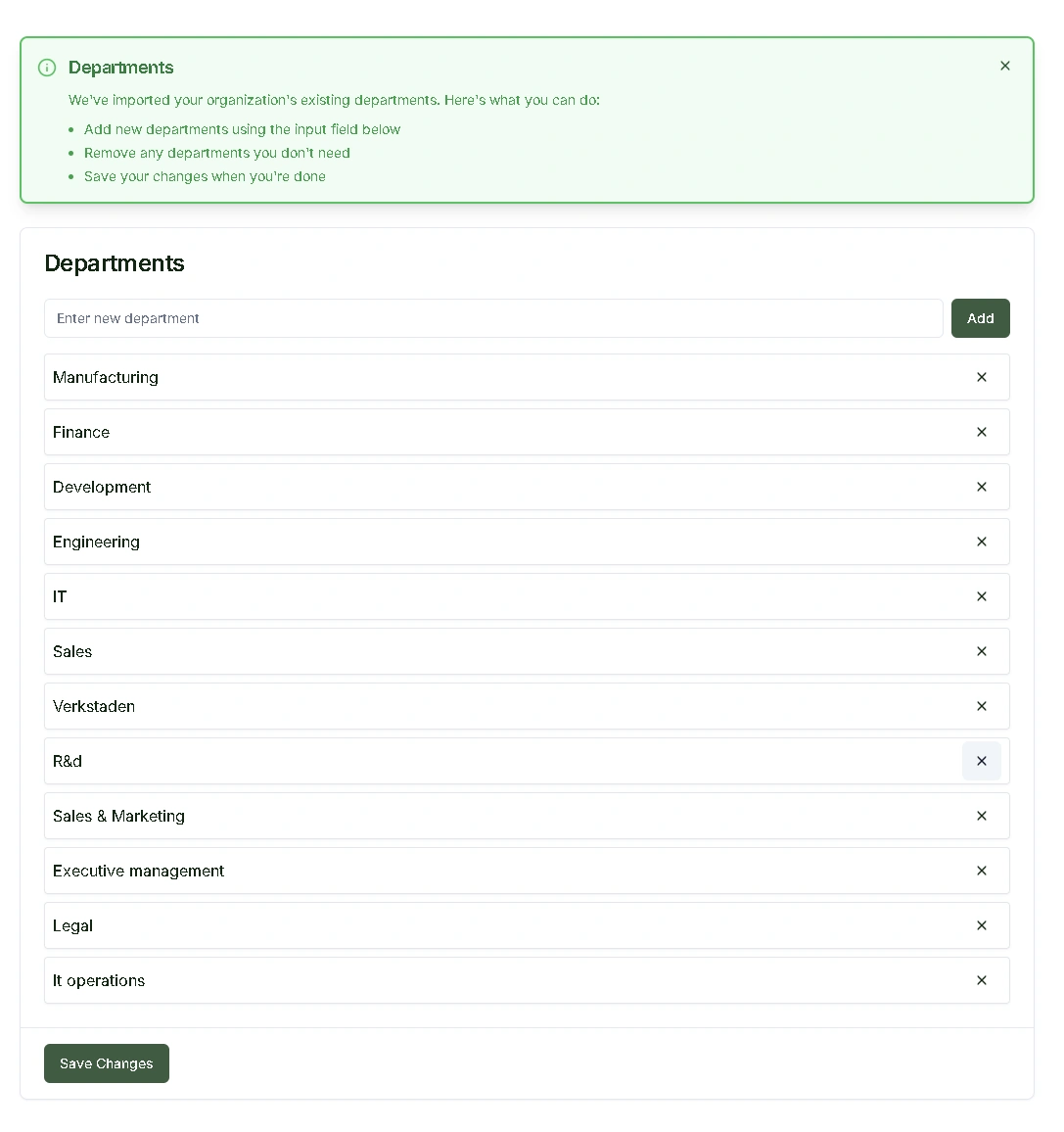
Managing Your Department List
From this page, you can:
- View all configured departments
- Add new departments
- Remove departments you no longer need
After making changes, click Save Changes to commit your updates.
Best Practices
When managing departments:
- Use clear, consistent naming conventions
- Consider how department changes might affect existing user assignments
- Review workflow configurations that reference specific departments
- Coordinate department changes with your team to avoid disruptions
Initial Synchronization
Your department data is imported from Entra ID during setup. Keep in mind:
- This is a one-time import, not an ongoing sync
- After the initial import, you manage the list manually
- Future changes in Entra ID will not automatically update this list