System Users
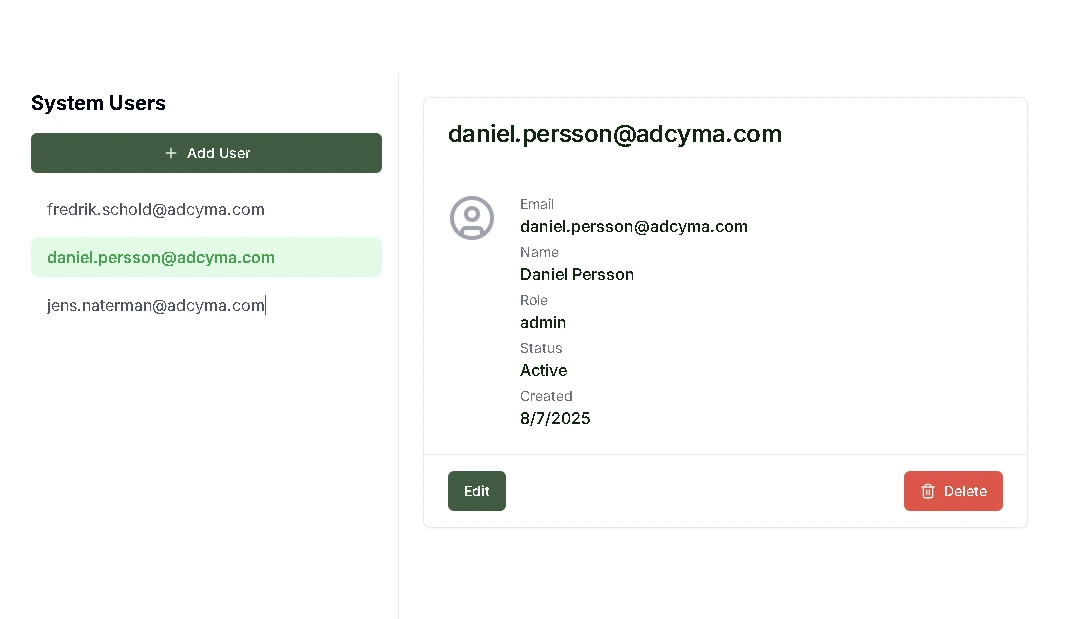
The System Users page is where you manage internal Adcyma user accounts. These are the accounts that grant access to the Adcyma platform itself, separate from the managed users in your tenant. Here you control who can access Adcyma and what permission level they have.
System users are internal Adcyma accounts and are not automatically provisioned to your tenant. These accounts provide access to the Adcyma platform only and are separate from your organization's managed user population.
User Management Capabilities
You have full control over the system user lifecycle. You can create new users by entering their account details and assigning a role, edit existing users to update their information or change their role, and delete accounts when someone no longer needs access. Each user gets a specific permission level through role-based access control.
System Roles and Permissions
Adcyma provides three distinct role levels, each designed for different operational needs:
User Role
Gives dashboard access with permissions to create and onboard new employees, edit employee details, handle offboarding and account deactivation, view queued tasks, and view history and audit trails.
API Role
Includes everything in the User role, plus the ability to generate and manage API keys and use Adcyma's API for automated operations and custom integrations.
Admin Role
The highest privilege level. Admins have full access to all Adcyma functions, can create, edit, and delete system users and role assignments, and can modify platform settings, preferences, and administrative configurations.
Access Management Best Practices
Assign the minimum role necessary for each user's responsibilities. Review system user accounts and role assignments periodically to make sure they still match current needs. Create accounts promptly for new team members and remove access for departing personnel.