

Pending Requests
Pending Requests is the administrator's view of every access request that hasn't been decided yet, plus the access that is about to run out. It has two tabs: Pending Requests for requests awaiting a decision, and Assignments for upcoming expirations and recent removals. A badge in the header shows how many requests are pending.
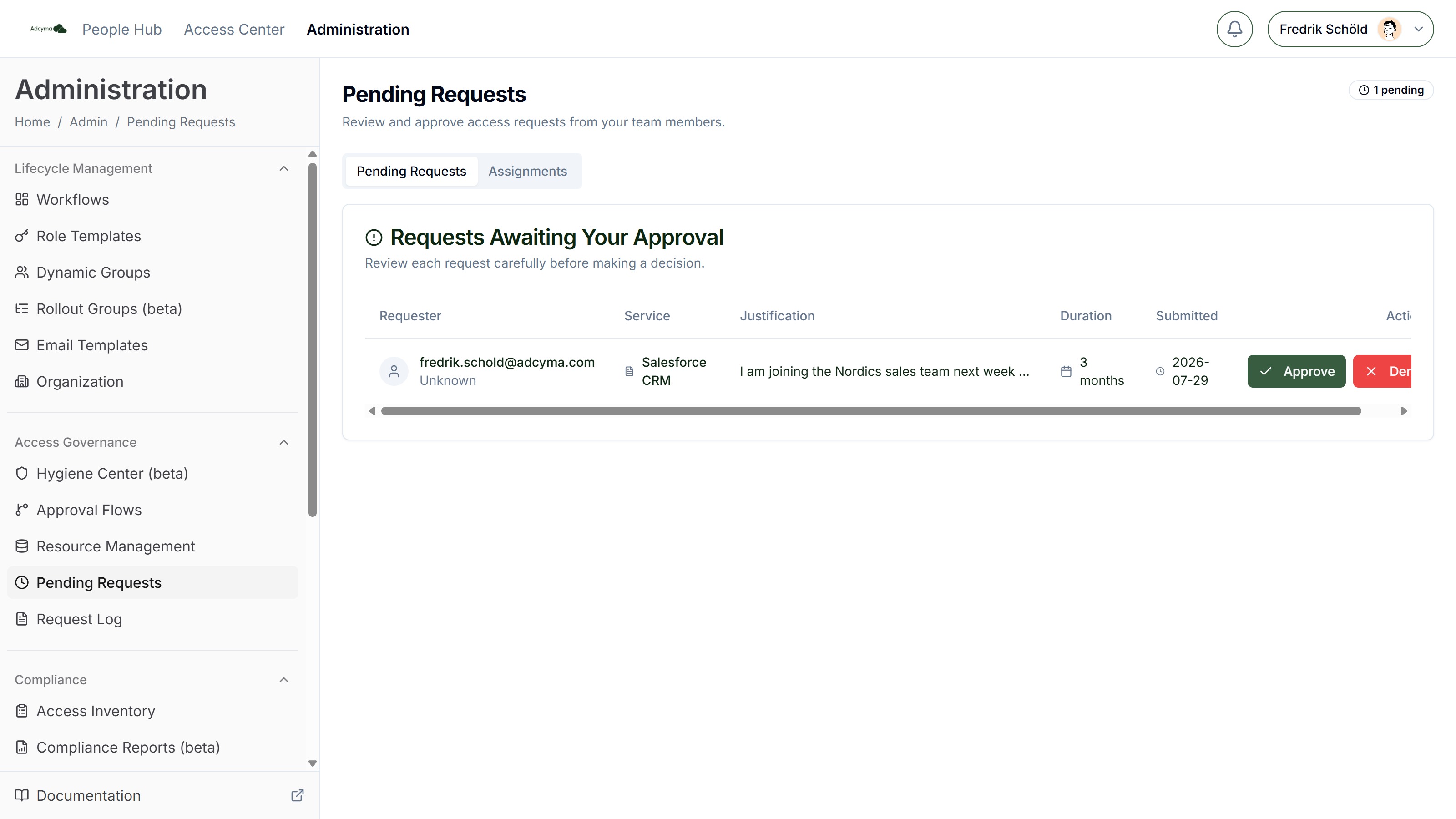
Pending Requests Tab
The table lists every pending request in your tenant with:
- Requester
- Service, the resource being requested
- Justification, the requester's own words
- Duration requested
- Submitted, when the request came in
When nothing is waiting, the tab shows "All caught up!".
Which Requests You Decide Here
Most requests are decided by the approvers in their approval flow, from the Access Center. This page is where an administrator decides the requests that have nobody else to decide them:
- Custom requests. When someone picks "Something else..." in the request form and describes what they need, there's no resource behind it and no flow. The request waits here.
- Requests for a resource without a working flow. For example, a resource whose approval flow was deleted.
Requests that go through an approval flow also show up in this list while they're in progress, but you can't approve or deny them from here. Trying to shows "Approval failed". Those requests are decided by the flow's approvers. To see where one is stuck, open it in the Request Log.
Approving a Request
Click Approve to open the approval dialog. You can add an optional comment and change how long the access lasts.
| Duration | Description |
|---|---|
| Requested | Keep what the requester asked for (shown in brackets) |
| 7 days | Short-term access |
| 30 days | About a month |
| 3 months | A quarter |
| 6 months | Half a year |
| 1 year | A full year |
| Permanent | No expiry |
| Custom... | Type your own, like 45 days, 2 months, 1 year, or Permanent |
Below the field, an expiry preview shows the exact end date before you click Confirm Approve.
The resource's Max Access Duration limits what requesters can ask for, not what you can grant here. If you pick a longer duration, it is applied as you chose it.
When you confirm, Adcyma adds the requester to the resource's target groups and schedules the removal for the expiry date. A custom request has no resource and no target groups, so approving it records the decision but doesn't add anyone to anything. Give the access by hand, then note in the comment what you did.
Denying a Request
Click Deny and enter a Reason for denial. The reason is required. It's stored with the request and shows up in the Request Log, so write something the requester can act on, like "Use the shared mailbox instead" rather than "No".
Assignments Tab
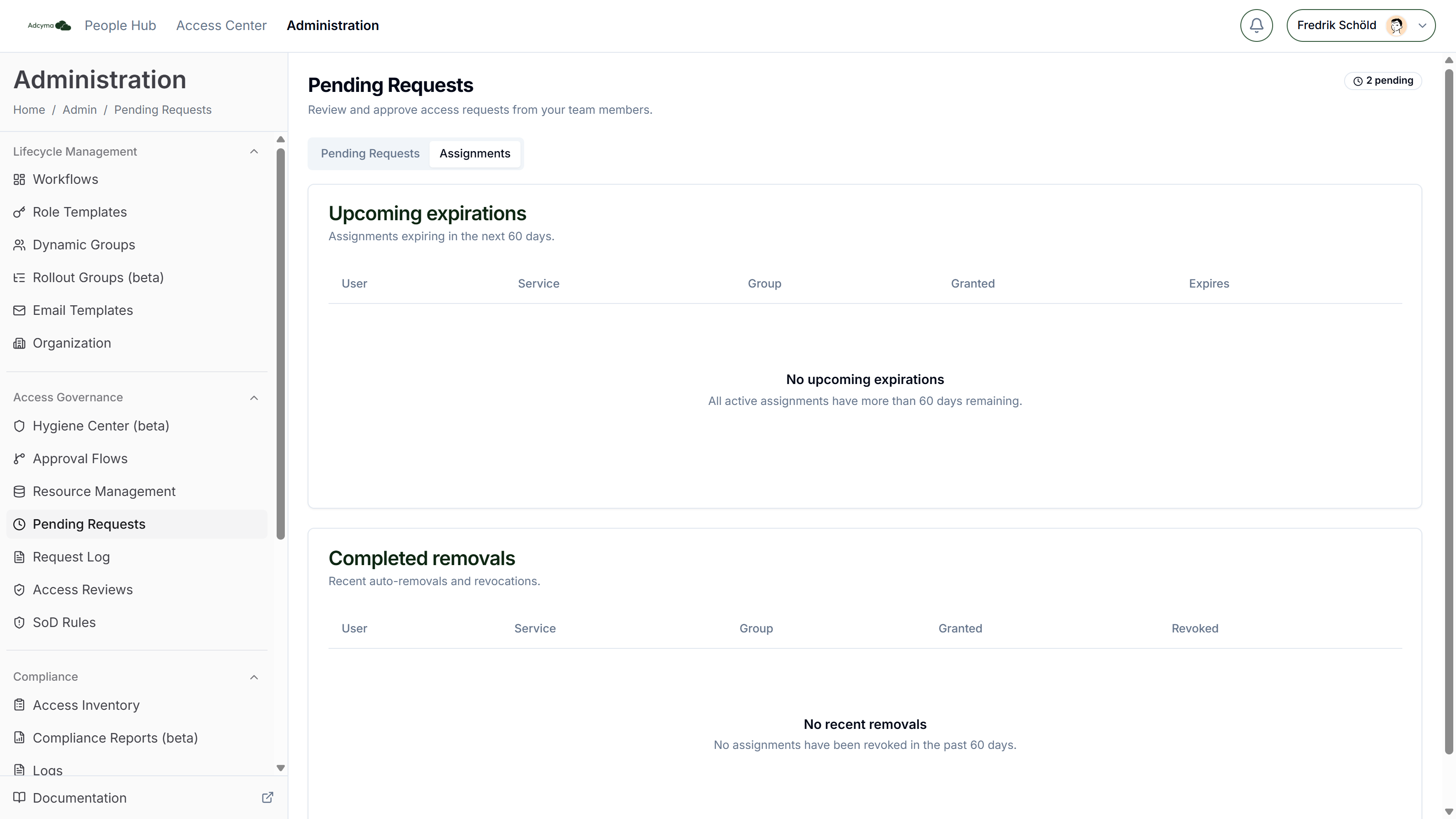
The Assignments tab follows up on access that has already been granted.
Upcoming expirations Access that runs out within the next 60 days, with the user, resource, group, grant date, and expiry date. Use it to warn people before their access disappears in the middle of a project.
Completed removals Access removed in the last 60 days, whether it expired or was revoked, with the user, resource, group, grant date, and removal date.
Best Practices
- Check the page daily if your users make custom requests. Nobody else is notified about them.
- Read the justification before you decide. It's the only context you get.
- Grant the shortest duration that does the job. Asking again is cheap, cleaning up old access isn't.
- If the same custom request keeps coming in, add it as a resource in Resource Management so it gets a flow and is provisioned automatically.
- Look at the Assignments tab once a week.
Troubleshooting
If you don't see a request you expect:
- It may already have been decided, or cancelled by the requester. Check the Request Log.
If approved access isn't provisioned:
- Check that the resource has at least one target group
- Check the Request Log for errors on the request
- Check that Adcyma can change the target group (for AD groups, that the AD connector is running)
If Approve or Deny fails:
- The request probably uses an approval flow. Its approvers decide it from the Access Center.
- You can't decide a request you submitted yourself.